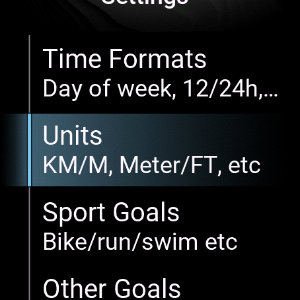
How to edit watchface settings
All of my watchfaces have two locations with settings:
- Settings in the Garmin Connect IQ app on your phone
- Directly on your watch
Garmin Connect IQ app Watchface settings
Here you find most of the settings for the watchface. Things like datafields, colors, fonts, offsets can all be changed here.
Steps to Access Settings in the Connect IQ app:
1. Open the Connect IQ app
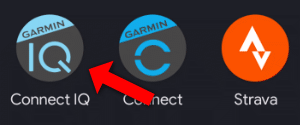
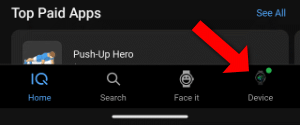
2. Click on "My device"
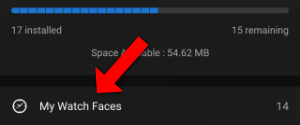
3. Click on "Watchfaces"
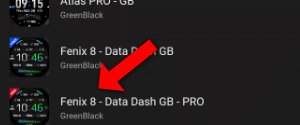
4. Click on the watchface
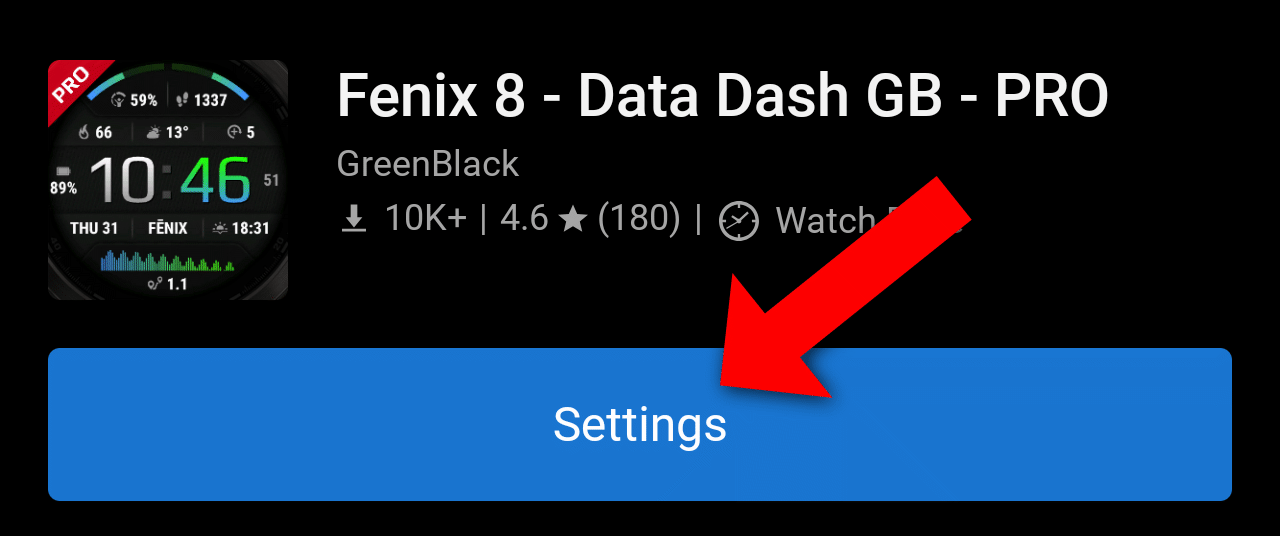
5. Click "Settings"
Steps to Access the on-watch Watchface settings:
You can also access watchface settings directly on your watch. You find settings like Goals, Units and Time formats here.
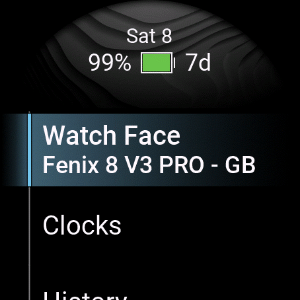
1. Hold the Menu buttom (on most devices middle left button), this will open, then click "Watch Face":
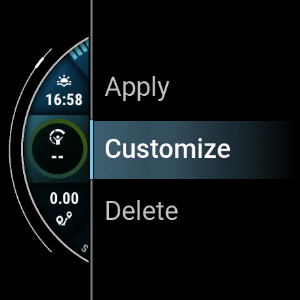
2. Press start to open context menu
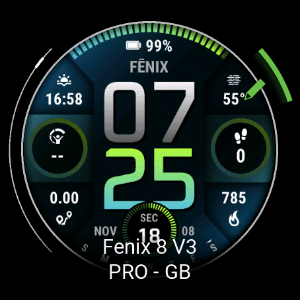
4. Press Customize
5. Press Settings
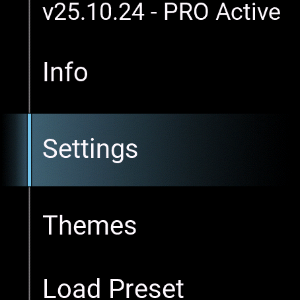
6. Edit all the things