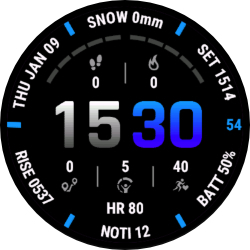
Portal
Download Options
 Free Version
Purchase Watchface - $4.99




Portal Manual
Overview
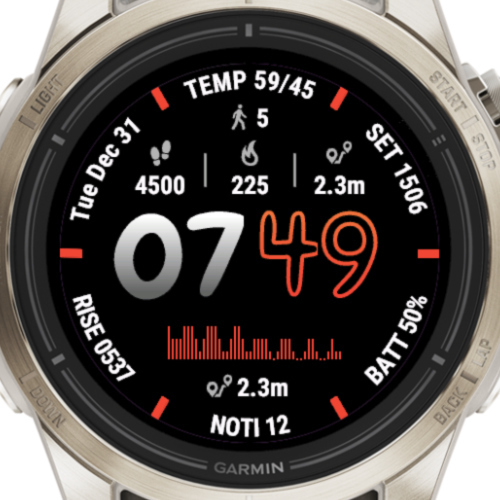
How Does Auto-Generate Work?
Portal features two theme generators that create unique color combinations for your watchface:
Real Intelligence (RI)
Generates the primary colors and defaults to white letters with light gray labels. The generator creates the rest of the color scheme automatically. Select "Generate with RI" in the themes section of settings.
Artificial Intelligence (AI)
Generates colors for everything except the background (which always remains black). This creates more varied and colorful themes.
Pro Tip
You can set up a touch shortcut to either generator to create new themes on-the-fly. Don't forget to save your settings to a preset when you like a generated theme!
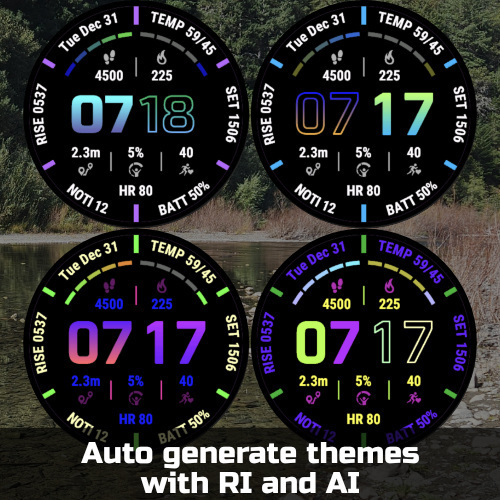
Upper themes generated with RI, lower with AI
What Are the Different Fonts?
Portal includes 3 customized fonts, each available in both outlined and regular styles. Additionally, you can use any resizable system fonts from your watch.
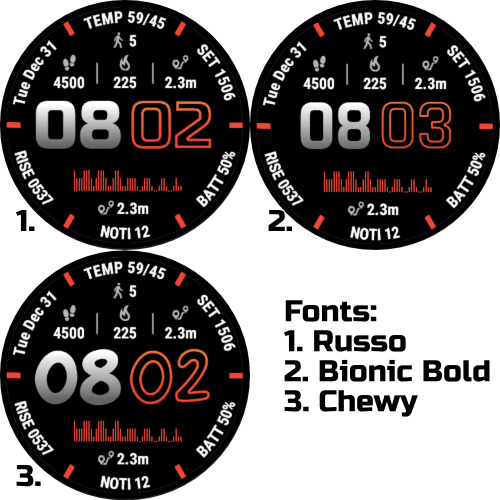
All custom fonts shown - hours in normal style, minutes in outlined style
What Are the Different Field Options?
Portal offers multiple field configuration options to display your data. Choose the layout that best suits your needs:
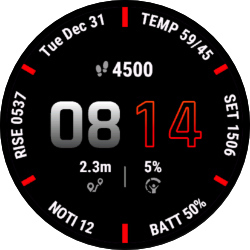
1 Field + 2 Fields
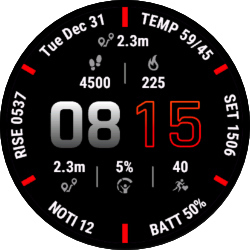
2 Fields + Top / 3 Fields
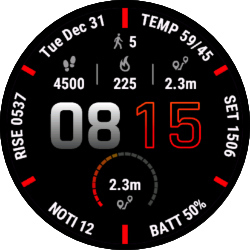
3 Fields + Top / 1 Progress Circle
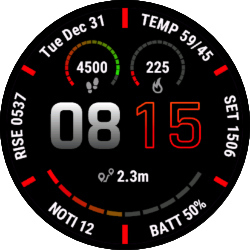
2 Progress Circles + 1 Progress Arc
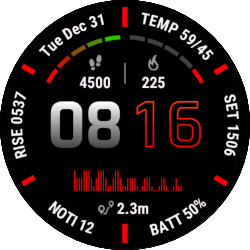
2 Progress Arcs / Chart + Bottom
Note
Progress arcs and circles use data from the corresponding field numbers. For example, the first progress arc uses data from Field 1, and the second uses data from Field 2.
What Are the Different Layouts?
Portal offers multiple layout styles to arrange your time display and data fields in different ways:
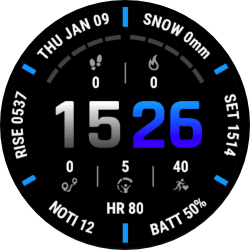
Default: Separators at 12, 2, 4, 6, 8, 10
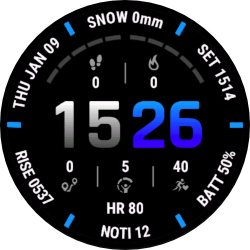
Alternative: Separators at 1, 3, 5, 7, 9, 11
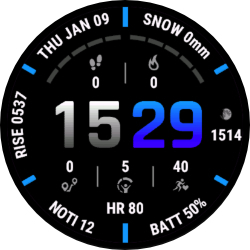
Default: Horizontal Right: Draw field 2 horizontal
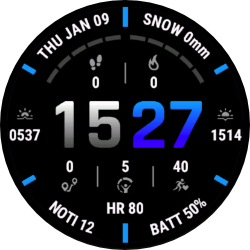
Default: Horizontal Sides: Draw field 2 and 5 horizontal
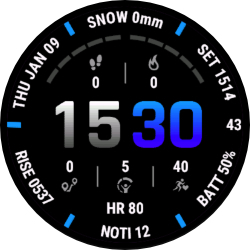
Alternative: Add seconds on the right