This page is for watchfaces with their settings on the watch. Are your settings in the Connect IQ app? See the Classic version of this page.
Sport Fields
Show the time, distance or number of activities for any sport, with its own settings per field.
These numbers may not match Garmin Connect. Garmin doesn't give watchfaces this data. The only way to get it is to add up the activities stored on this watch, so activities from another device, or added in Garmin Connect, aren't included. The only exception is the weekly Bike Distance and Run Distance, which Garmin does provide. This is especially noticeable with Bike Distance: Today, X Days and Month can be lower than what Garmin Connect shows.
Set it up
- Open a field in Data and choose Data → Activity Info.
- Choose Sport Distance, Sport Time or Sport Activities, then Today, Week, Month or X Days.
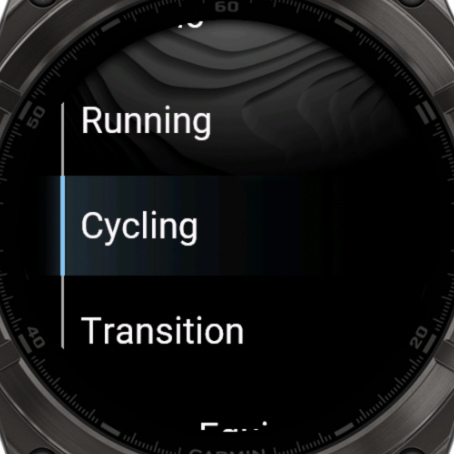
- Choose Data Options → Sport, and pick from 78 sports.
- With X Days, set the number of days in Days.
You can use a different sport in every field. You don't have to choose two favorites first.
Run, bike and swim
There are also ready-made Run Distance, Bike Distance and Swim Distance fields in Activity Info.
Good to know
- They update after you finish an activity.
- Most of these fields need PRO. See Free vs PRO.