This page is for watchfaces with their settings on the watch. Are your settings in the Connect IQ app? See the Classic version of this page.
Countdown
Count down to a date and time in any field on your watchface. The Countdown field needs PRO.
Set it up
- Open the watchface settings and choose Data, then the field you want to use.
- Choose Data → Date and Time → Countdown.
- Choose Data Options → Target Date.
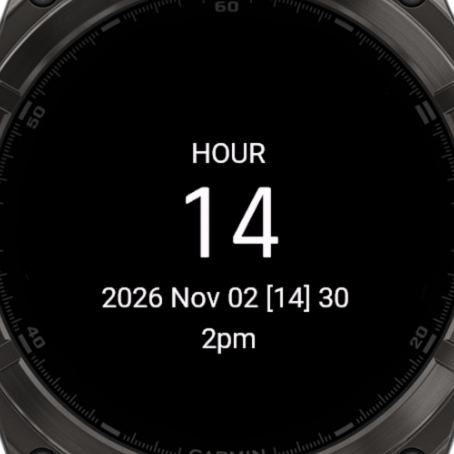
- Set the year, month, day, hour and minute. After the minute, your date is saved.
| To | Do this |
|---|---|
| Change the value | UP or DOWN |
| Go to the next value | ENTER, or tap the screen |
| Go back one value | BACK |
What it shows
| Time left | Shows |
|---|---|
| 10 days or more | 12d |
| 1 to 9 days | 3d4h |
| 10 to 23 hours | 14h |
| 1 to 9 hours | 5h12m |
| Less than an hour | 45m |
| The date has passed | 0m |
| No date set yet | -- |
Good to know
- Use Text behind Value in Data Options to add your own text after the countdown.
- Set the Label of the field to your own text to show what you're counting down to.