Labels, Colors & Offsets
Every field has its own label, colors and position.
Open a field in Data to find these. Not every field on a watchface has a label.
Label
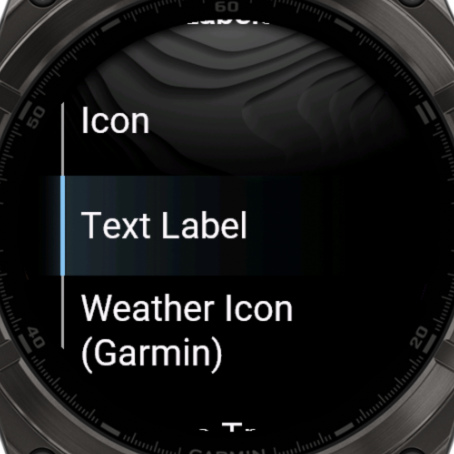
Choose Label to change what is shown with the value:
| Choice | What it shows |
|---|---|
| Icon | The standard icon of the field |
| Text Label | Your own text. Set it in the new Text row |
| Datafield | A second data field as the label. |
| No Label | Nothing |
| Special icons | Depending on the field: weather, pressure trend, moon, battery, wind direction or status icons |
Color Overrides
Give this field its own Text Color and Label Color. Reset Colors makes it follow the normal colors again. Applying a theme also resets them.
Offsets
Move a field by a number of pixels: Data X, Data Y, Label X and Label Y. X moves it sideways and Y up or down. Use a minus to go the other way, like -3.