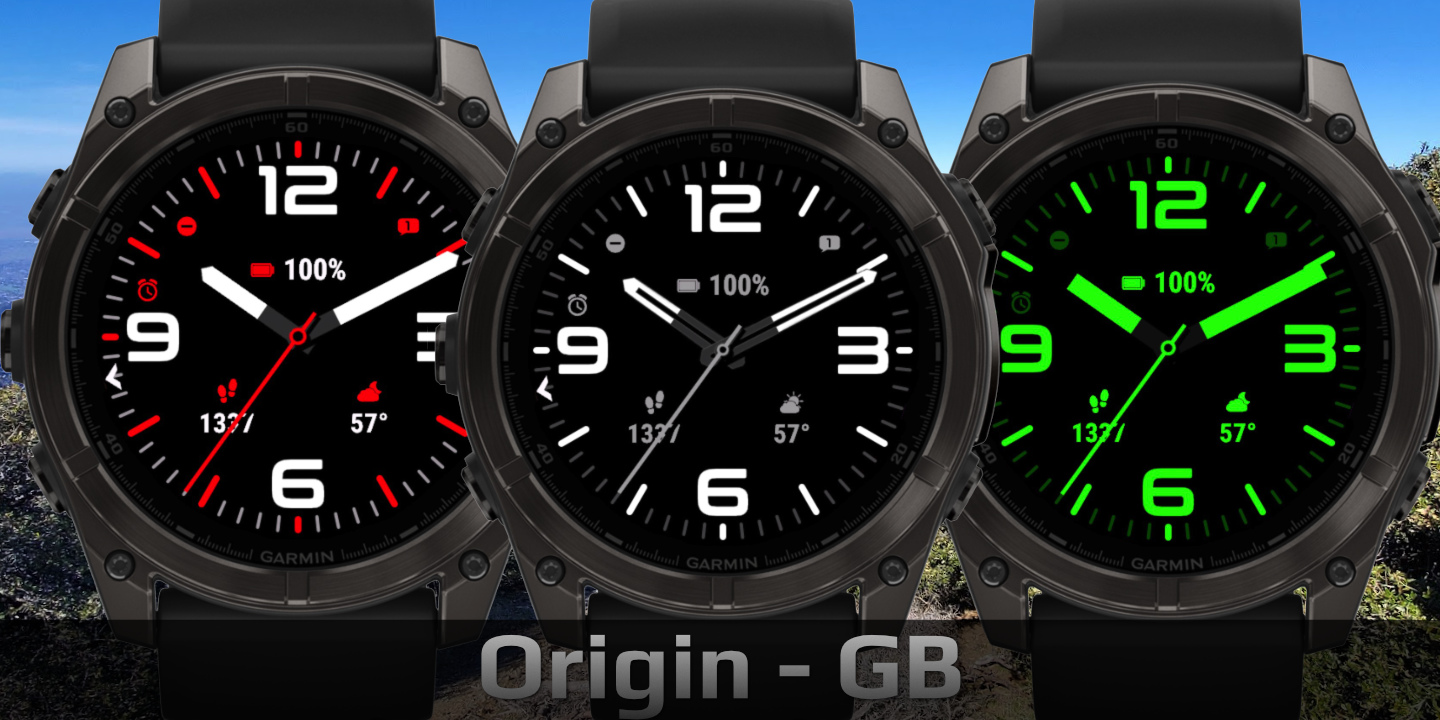
Origin
Download Options
 Free Version
Purchase Watchface - $2.99






Origin - GB - Manual
Field names
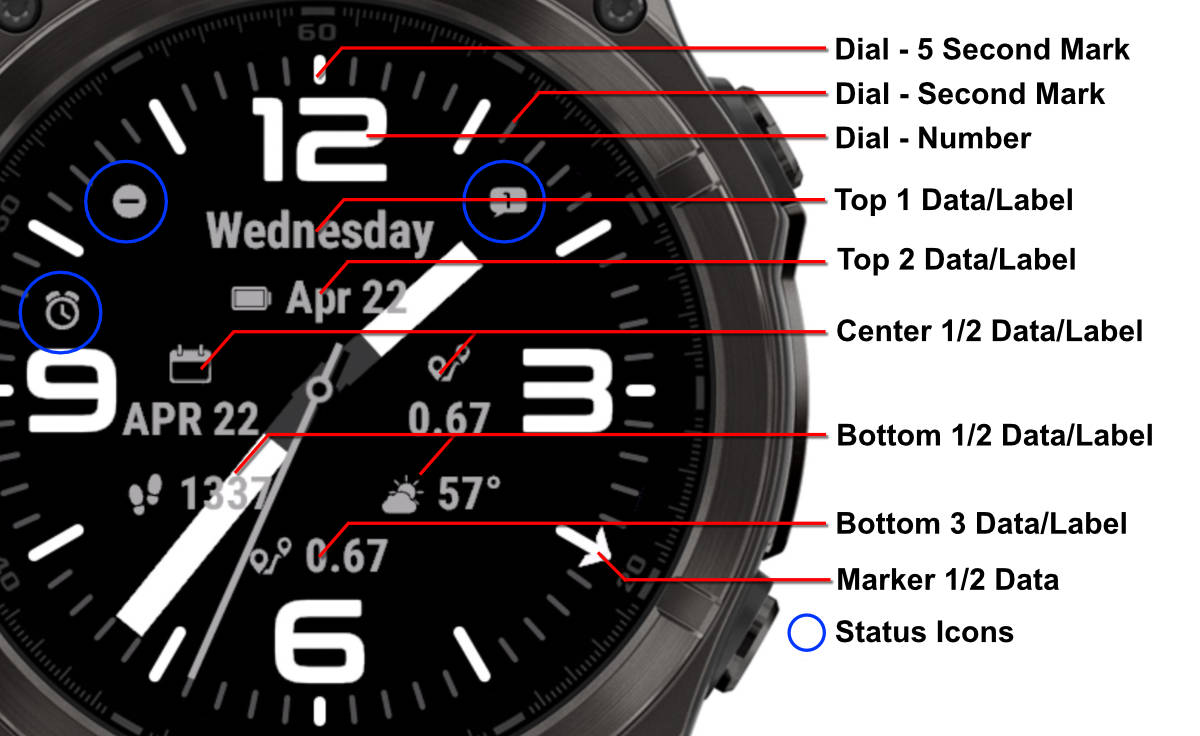
Table of Contents
Layout Styles
Origin includes separate layout options for the top, center, and bottom areas. The examples below show each available style.
Top Styles
1 Field Label Left
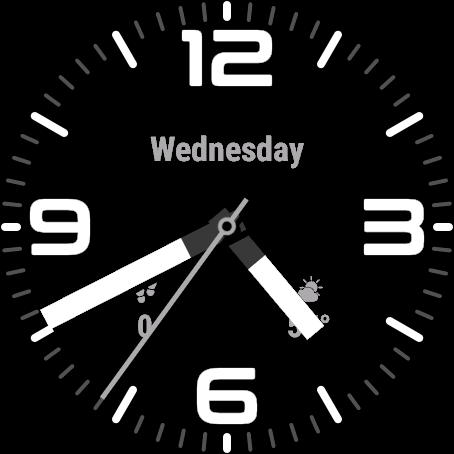
1 Field Label Top
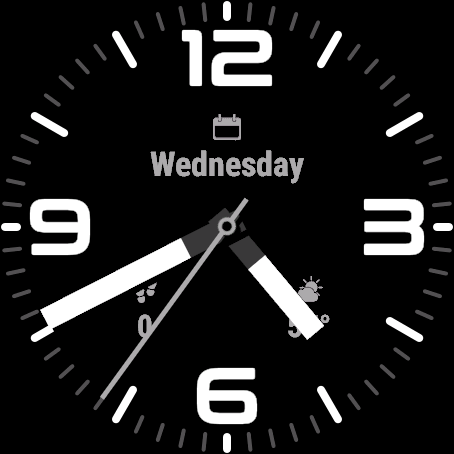
2 Fields Horizontal
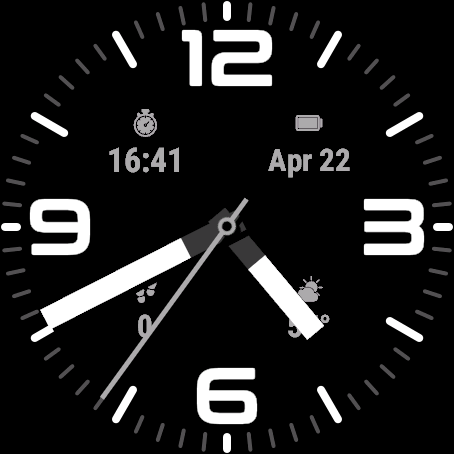
2 Fields Vertical
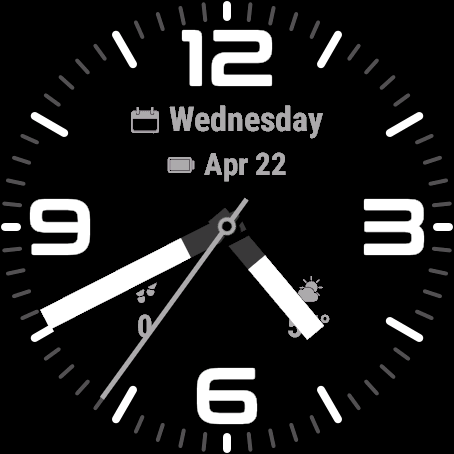
Center Styles
2 Fields Horizontal
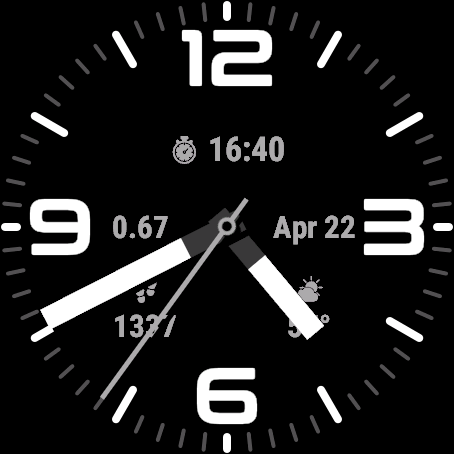
2 Fields Vertical
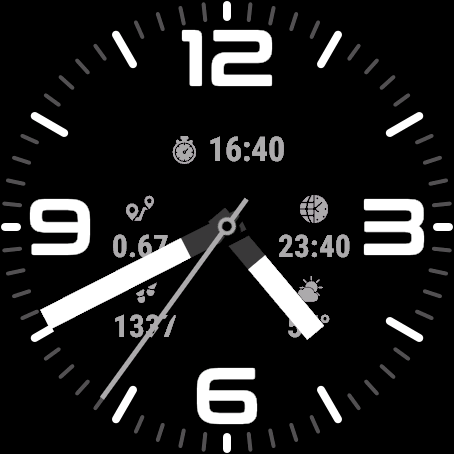
Bottom Styles
1 Field Label Left
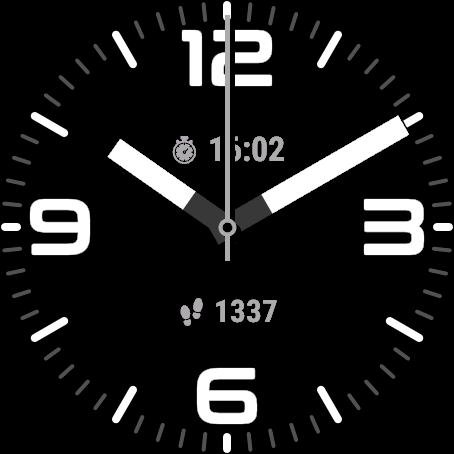
1 Field Label Top
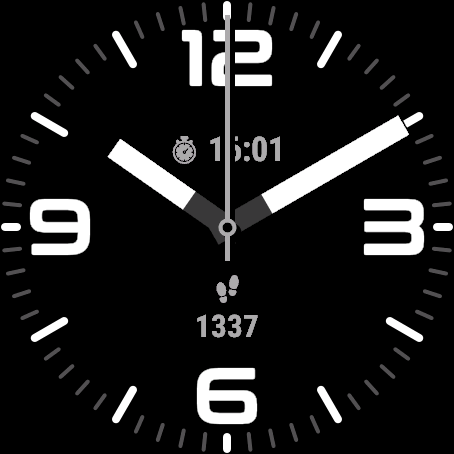
2 Fields Horizontal
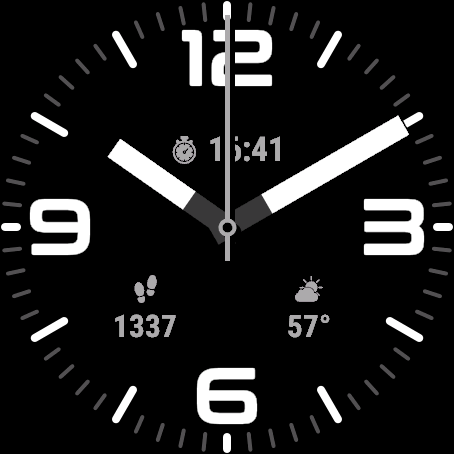
2 Fields Vertical
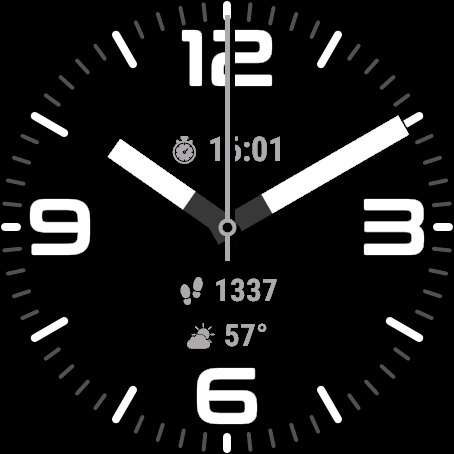
3 Fields
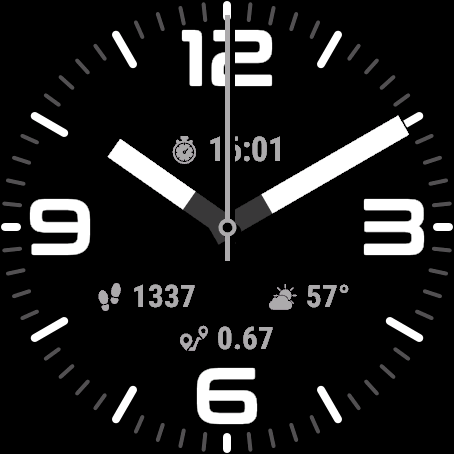
Hand Styles
Choose from six hand styles to match your preferred look. The images below show each style on the Origin watchface.
Simple Pointers
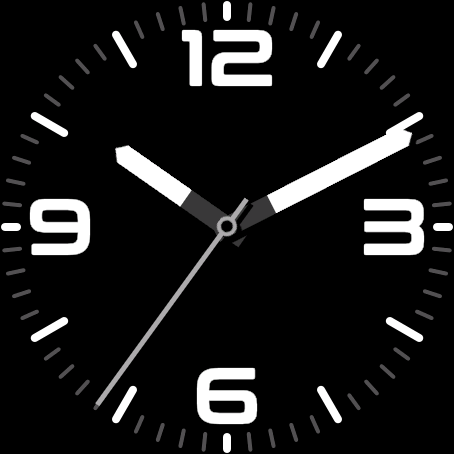
Diver
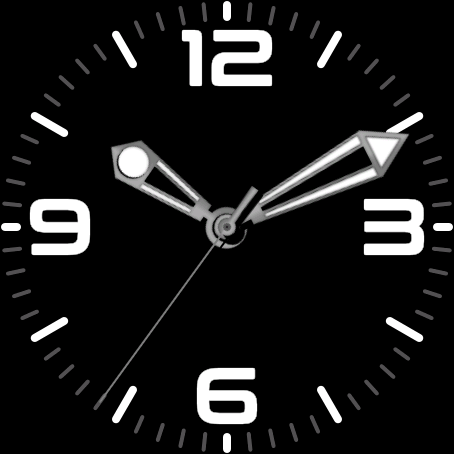
Sword
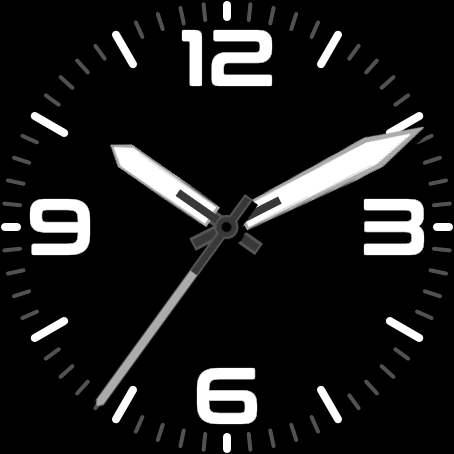
Pencil
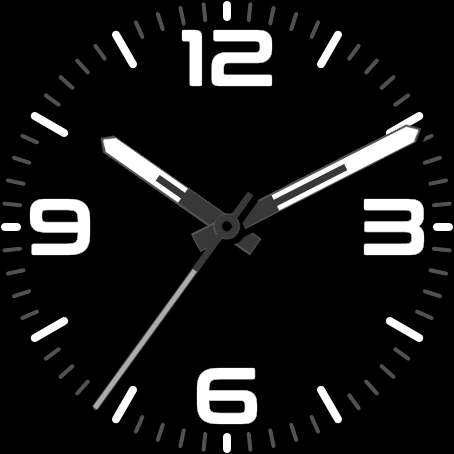
Delta Square
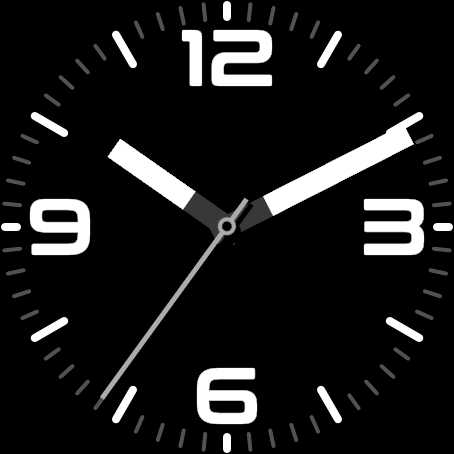
Aviator
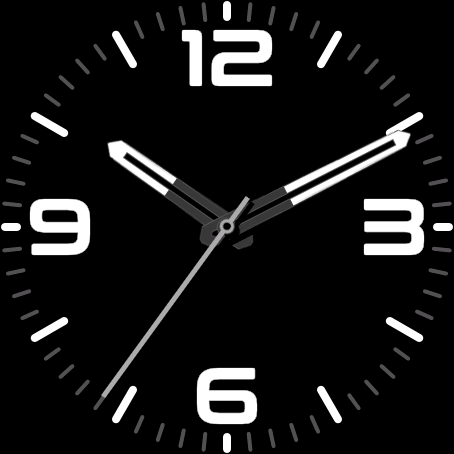
Offsets
The watchface allows you to customize the spacing and positioning of time elements and data fields independently using offset settings. This gives you fine control over the layout to match your preferences.
Offset Settings
Time Offsets
Controls X position, Y position, X spacing between elements, Y spacing, and Y position for minutes.
Default: 20,20,20,20,40
Field X Offsets
Controls horizontal positioning for all configurable fields. In order: Top 1, Top 2, Center1 , Center 2, Bottom1, Bottom 2, Bottom 3
Default: 20,20,20,20,20,20,20
Field Y Offsets
Controls primary vertical positioning for configurable fields. In order: Top 1, Top 2, Center1 , Center 2, Bottom1, Bottom 2, Bottom 3
Default: 20,20,20,20,20,20,20
Field Y2 Offsets
Controls vertical positioning for Label fields In order: Center1 , Center 2, Bottom1, Bottom 2
Default: 20,20,20,20
Visual Examples
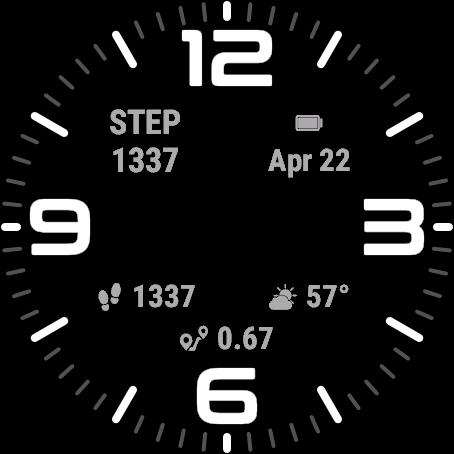
Default Offsets (X: 20,20,20,20,20,20,20 Y: 20,20,20,20,20,20,20 y2: 20,20,20,20 ):
Standard spacing with balanced layout.
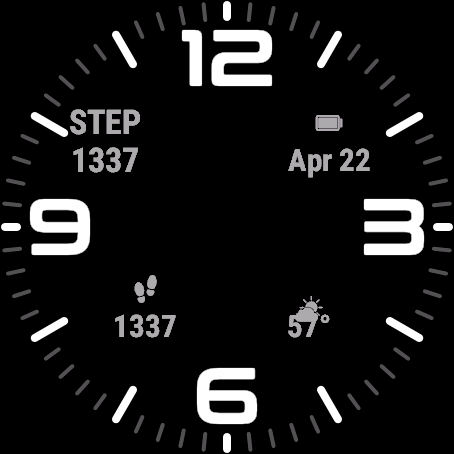
Increased Spacing (X: -20,40,20,20,20,20,20 Y: 20,20,20,20,20,20,30 Y2: 20,20,20,10):
Changed horizontal offset for Top 1 and 2:
- Top 1 -20, so 40 pixels to the left
- Top 2 40, so 420 pixels to the right
Changed Bottom 2 to have the label 10px lower
Battery Optimization
This watchface is optimized for all supported devices. For the best battery life, use the AOD option "Hands Only".
To improve efficiency, avoid fields that update often, such as seconds, heart rate, and stress.
AOD brightness also has a big impact. You can set separate brightness levels for data, hands, and background. Lower brightness gives better battery life.
On MIP devices (like the Fenix 7, Enduro or Forerunner 255), disable the always on second hand, and keep fast updating datafields to a minimum.