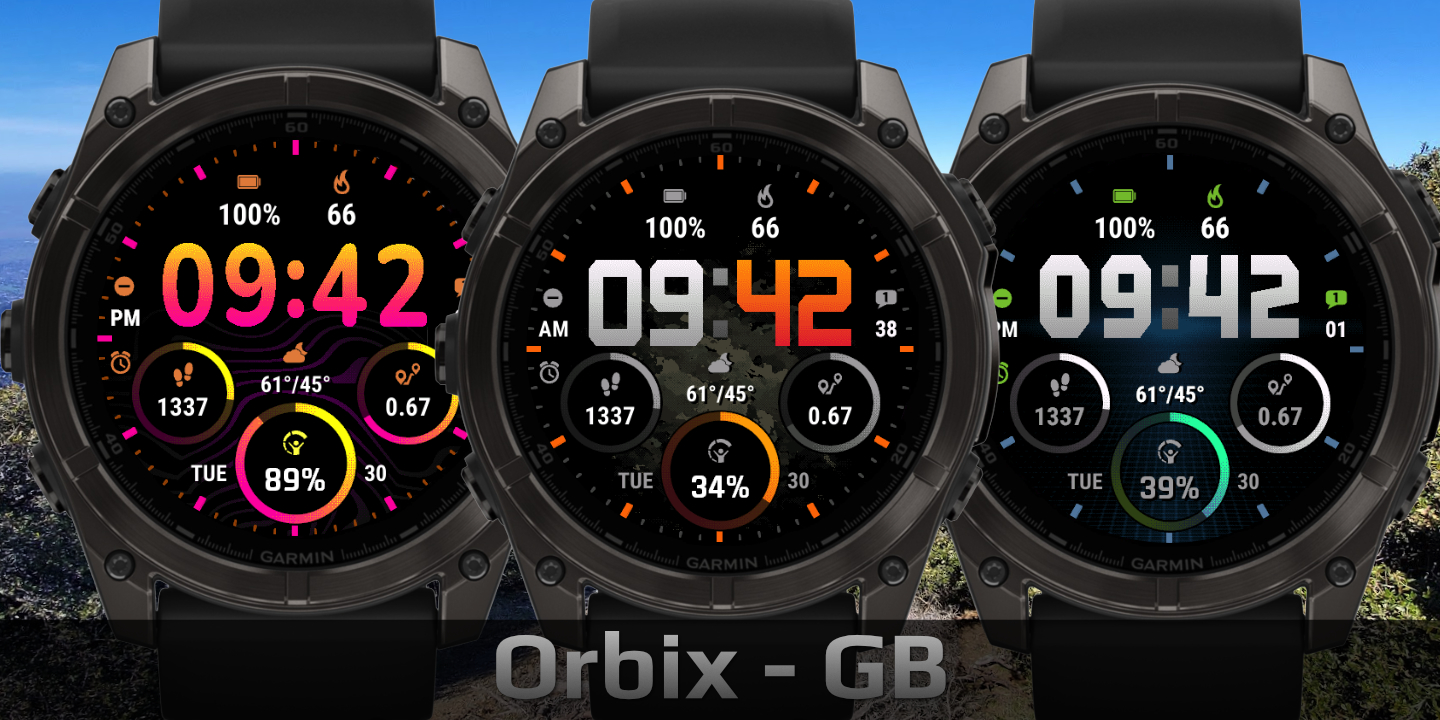
Orbix
Download Options
 Free Version
Purchase Watchface - $4.99






Orbix - GB - Manual
Field names
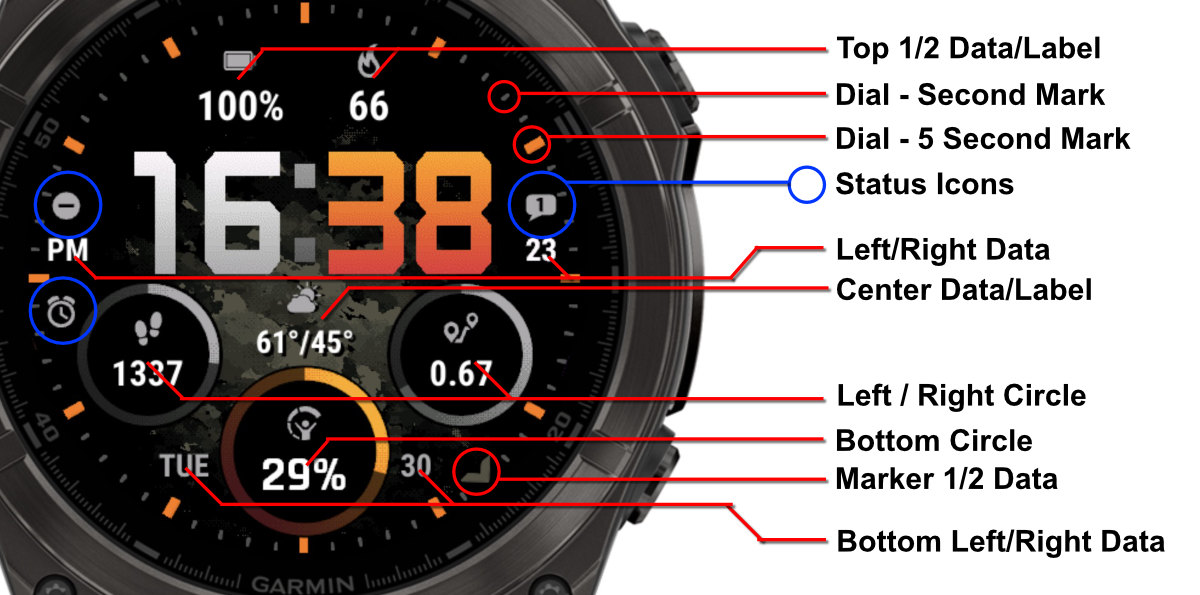
Table of Contents
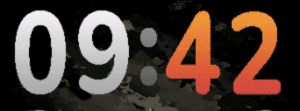
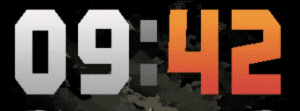
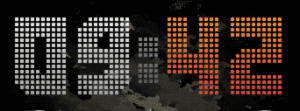
Fonts
Barlow
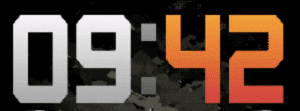
Kine
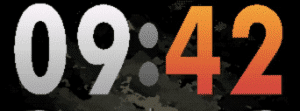
Nunito
Orbix
Squares
Circle Styles
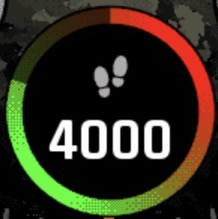
Choose from several circle styles to customize the progress ring appearance. When using a segmented style, a segment only lights up once it is completely full. Single color styles adopt a fixed color blended between the defined start and end color. On AMOLED devices, an additional third color can be set to appear between the start and end color for a richer gradient effect.
Double Gradient with Offset
Double Gradient
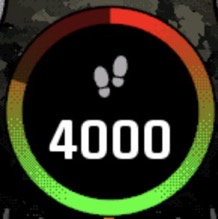
Single Gradient
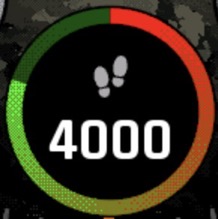
Double Gradient 3 Colors (AMOLED)
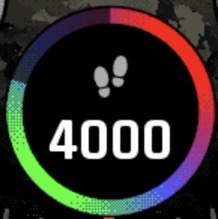
Segmented
12 Segments 6 Gap
12 equal segments with 6 px gaps between them. Fewer, chunkier blocks with clearly visible spacing.
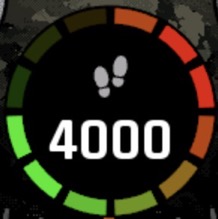
24 Segments 4 Gap
24 segments with 4 px gaps. More granular than 12-segment, with tighter spacing between blocks.
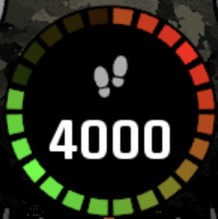
60 Segments
60 fine segments with minimal gaps, giving a near-continuous ring that still fills one step at a time.
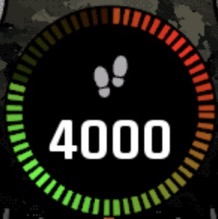
Single Color Mixed
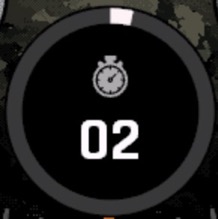
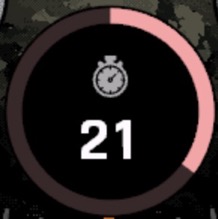
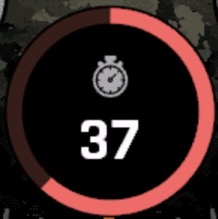
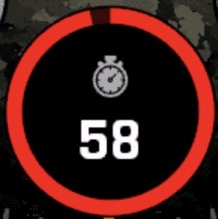
The ring color is determined by the current progress, blending between your chosen start and end color. For example, with white as the start color and red as the end color: at low progress the ring is white, at 50% it shows a light red (an equal mix of both), and at full progress it is solid red. The images below show this at 2, 21, 37 and 58 out of 60 steps.
2 / 60
21 / 60
37 / 60
58 / 60
Single Color (switch)
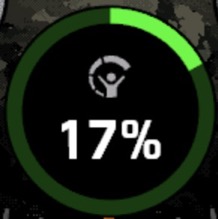
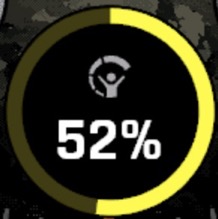
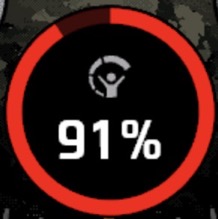
Instead of blending, this style switches between colors based on progress thresholds. With 2 colors: the start color is shown below 50%, and the end color at 50% and above. With 3 colors: the start color is shown below 33%, the middle color from 33% to 66%, and the end color from 66% onwards. In the examples below, green is the start color, red is the end color, and yellow is the middle color.
Start color — green (< 33%)
Middle color — yellow (33–66%)
End color — red (≥ 66%)
Offsets
The watchface allows you to customize the spacing and positioning of time elements and data fields independently using offset settings. This gives you fine control over the layout to match your preferences.
Offset Settings
Time Offsets
Controls the X and Y position of the time display.
Default: 20
Field X Offsets
Controls horizontal positioning for all configurable fields. In order: Top 1, Top 2, Center L, Center R, Center, Bottom L, Bottom R, Circle L, Circle R, Circle Bottom
Default: 20
Field Y Offsets
Controls vertical positioning for all configurable fields. Uses the same field order as Field X Offsets.
Default: 20
Label Y Offsets
Controls vertical positioning for label fields. In order: Top 1, Top 2, Center, Circle L, Circle R, Circle Bottom
Default: 20
Battery Optimization
This watchface is optimized for all supported devices. For the best battery life, use the AOD option "Time Only" or turn AOD completely off.
To improve efficiency, avoid fields that update often, such as seconds, heart rate, and stress. When using these fast updating fields, try to avoid placing them in the progress circles.
AOD brightness also has a big impact. You can set separate brightness levels for data, hands, and background. Lower brightness gives better battery life.