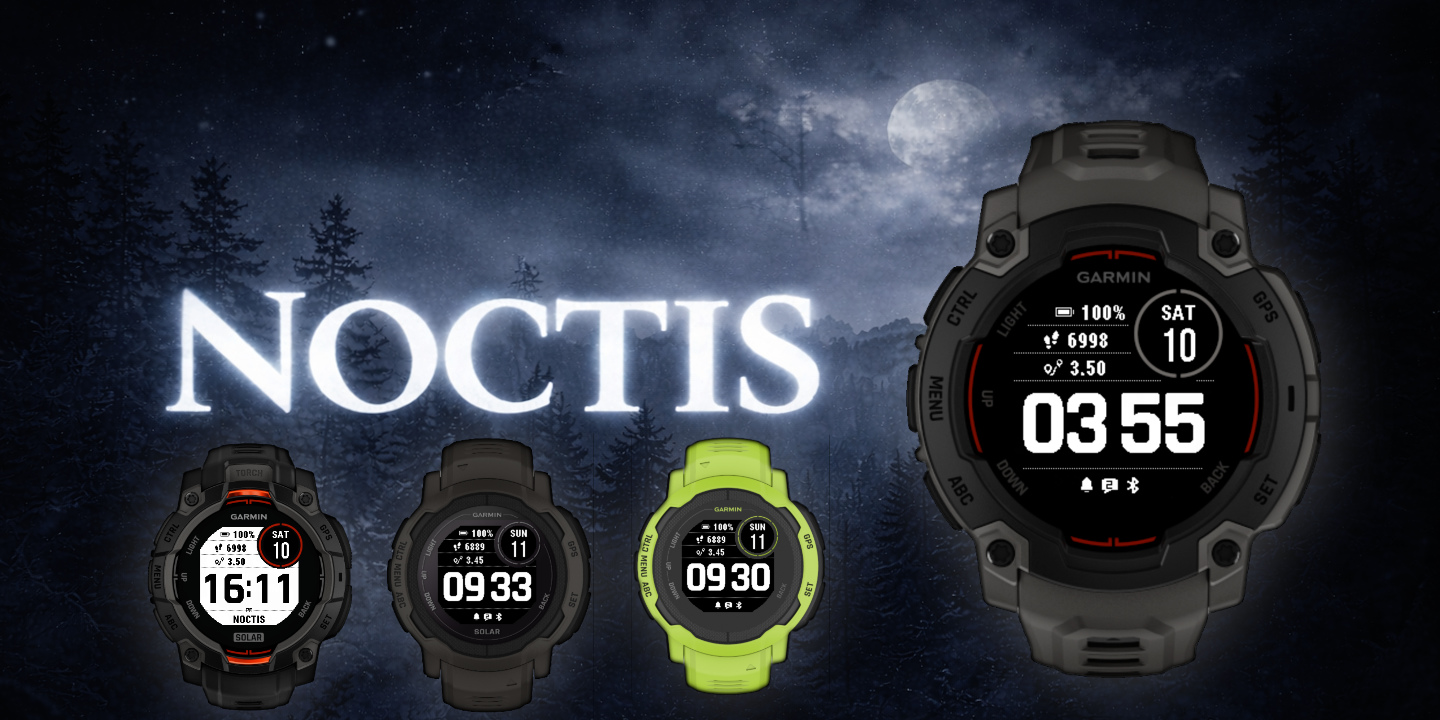
Noctis
Download Options
 Free Version
Purchase Watchface - $3.99






Noctis - GB - Manual
Field names
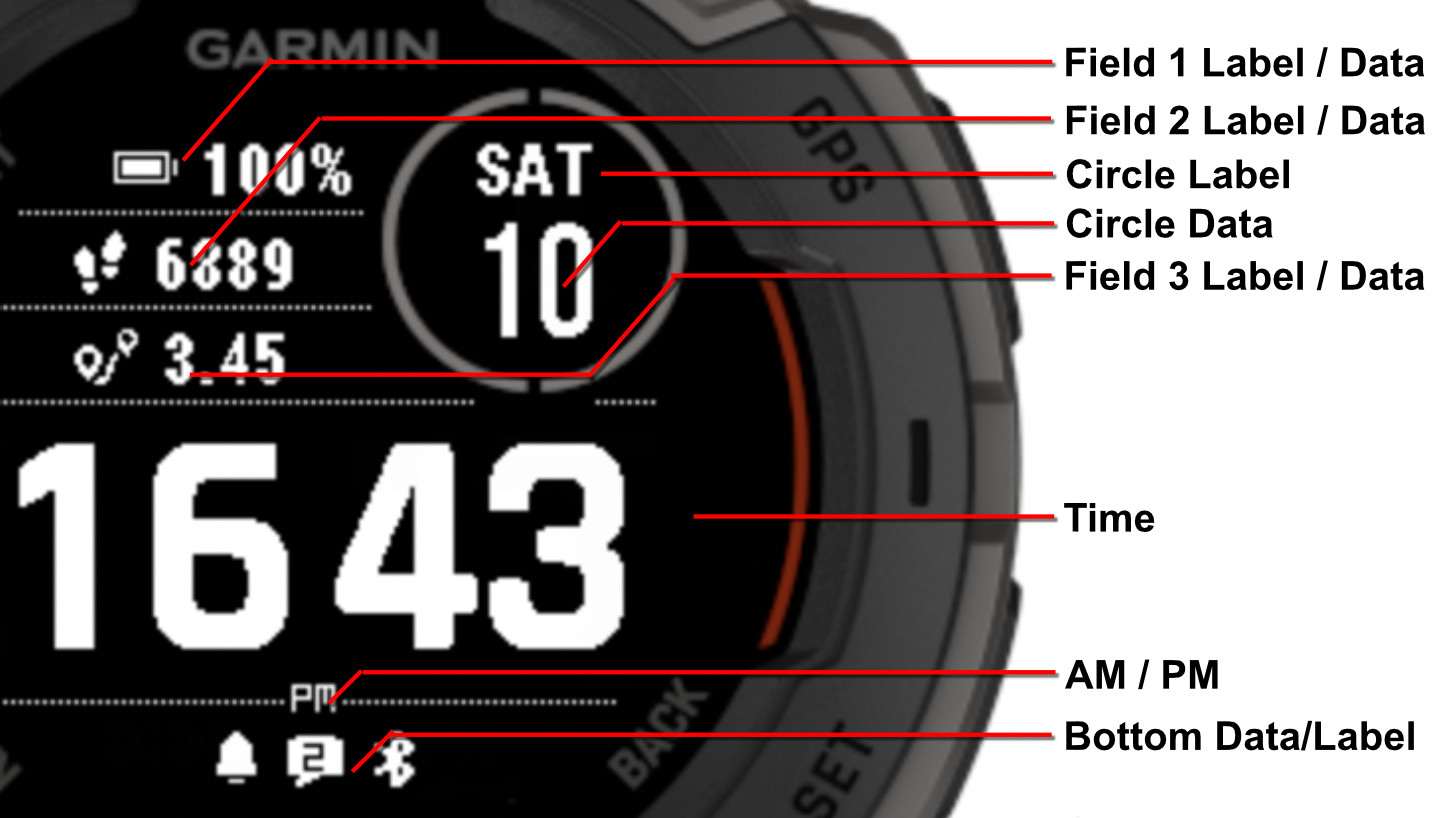
Table of Contents
Supported Fonts
This watchface supports multiple font styles for customizing the time display. Choose the font that best matches your personal style.
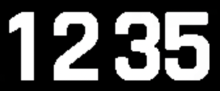
Bionic (Default)

7 Segment (PRO only)
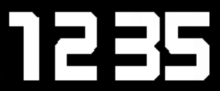
Barlow (PRO only)
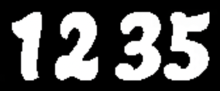
Lemon (PRO only)
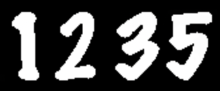
Marker (PRO only)
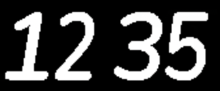
Nunito (PRO only)
Offsets
The watchface allows you to customize the spacing and positioning of the circle data and label.
Offset Settings
Y Offset Circle
Controls vertical positioning for the circle data and label. Set a higher value to move the label or data down, lower value to make it go up
Default: 20,20
Visual Examples
Here are some examples showing how different offset values affect the positioning:
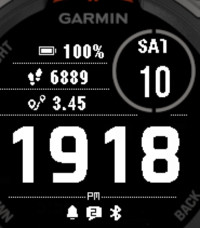
Offset: 15,20
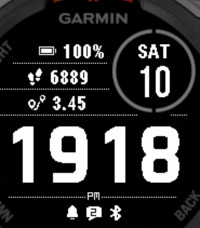
Offset: 20,20 (Default)
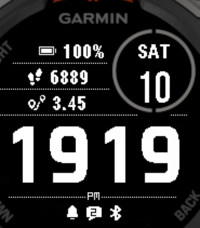
Offset: 20,25
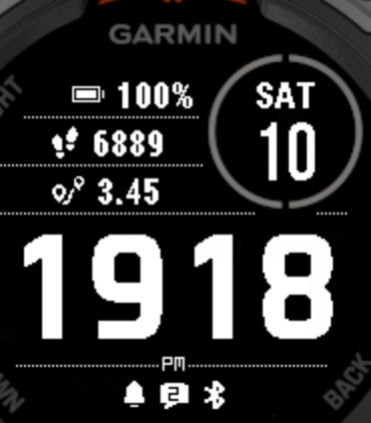
Offset: 20,50